Used Phone IMEI Check - Citizen Guide 2026
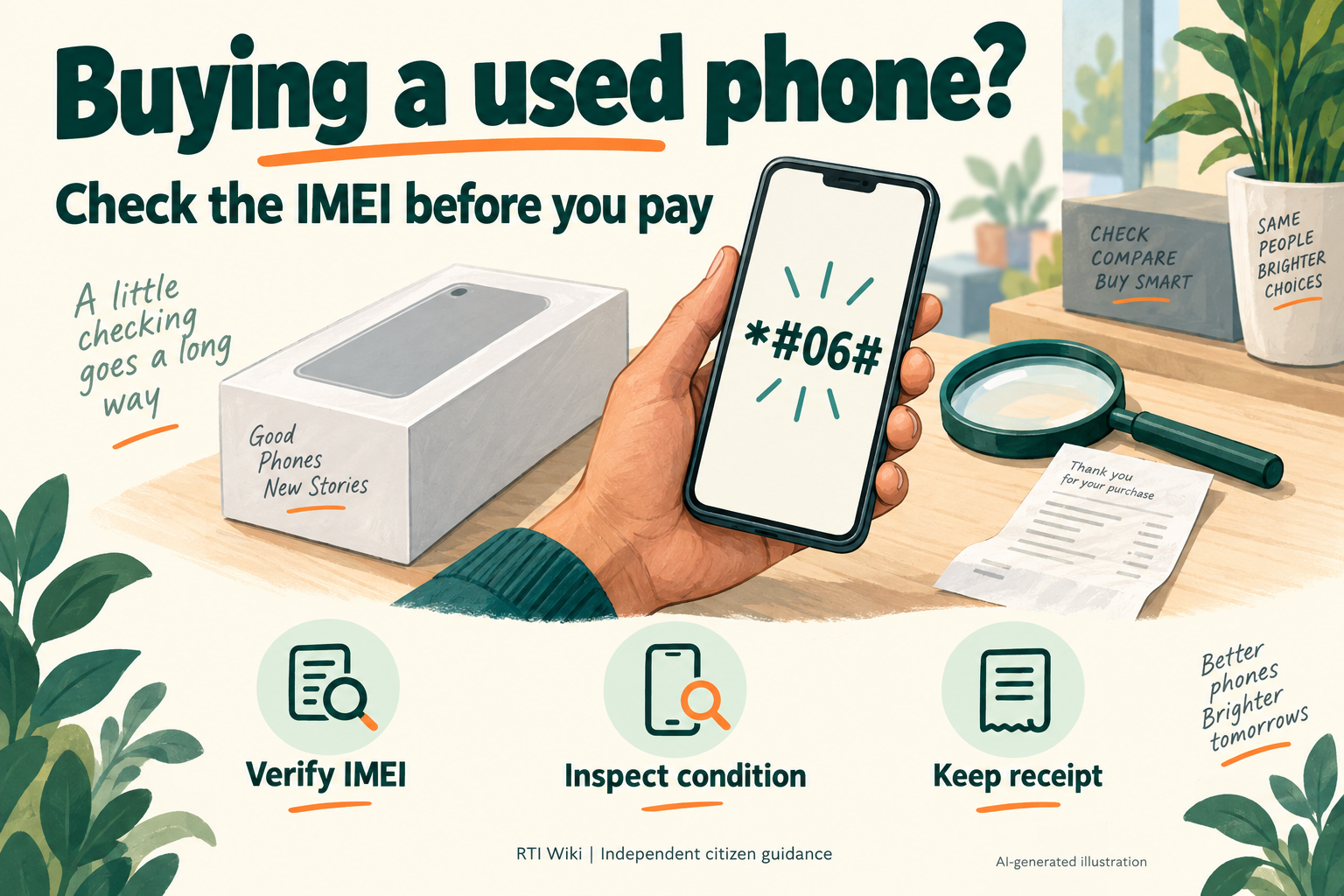
Buying a second-hand phone? Before paying, find the IMEI on the actual handset and check it through the Department of Telecommunications' CEIR service. Do not treat a reassuring result as proof of ownership, a hardware inspection or a guarantee against later problems.
Quick answer: Dial *#06# on the handset and use the official CEIR IMEI Verification page. Complete its CAPTCHA and mobile OTP steps yourself, then submit the IMEI. CEIR advises avoiding phones marked blacklisted, duplicate or already in use. Also inspect the handset and keep the seller's receipt and payment record.
This is independent citizen guidance from RTI Wiki, operated through Big Helpers. It is not a government portal or legal advice. The illustration is AI-generated, not a screenshot of a government result.
What IMEI and CEIR mean
IMEI stands for International Mobile Equipment Identity. It is a 15-digit device identifier. CEIR, the Central Equipment Identity Register, supports sharing of blocked-device information between telecom networks. It concerns the handset, not a list of SIMs registered in a person's name. Source: official CEIR explanation and FAQs.
CEIR's buyer advice is to check the device before purchase. Its homepage says the IMEI can be displayed with *#06# and can also be found on the packaging or invoice. It advises avoiding a handset when the result is blacklisted, duplicate or already in use. Those warnings are reasons to stop the purchase, not evidence for publicly accusing the seller of theft.
Step 1: Check the actual handset before paying
- Find the identifier yourself. With the seller's permission, dial *#06# on the phone you intend to buy. Check every IMEI displayed if the device has more than one. Do not rely only on a number sent in a chat or printed on a loose box.
- Compare the records. Compare the displayed IMEI with the box and invoice where available. An unexplained mismatch is a reason to pause. Do not assume every model has an IMEI printed on its SIM tray or a removable battery.
- Open the official page. Use CEIR IMEI Verification. Check the domain rather than following an unsolicited shortened link.
- Complete authentication yourself. The current form starts with CAPTCHA and a mobile number for OTP, then an OTP verification step. Keep the OTP private and enter it only on the official page. RTI Wiki does not need your OTP or IMEI.
- Enter the IMEI. Submit the 15-digit number when the form allows it. Read the actual response carefully rather than expecting a particular colour or label from an unofficial screenshot.
- Act on warnings. If CEIR returns a warning such as blacklisted, duplicate or already in use, follow its advice and avoid buying the handset. Do not pay a third party who promises to change or clear the IMEI.
- Keep your record privately. Save the result and date with the seller's advertisement, receipt and payment details. Do not publish the full IMEI, OTP, mobile number or identity documents on social media.
The official page and its visible form were checked for this update. No private mobile number, CAPTCHA, OTP or real IMEI was submitted during that check. Completion time depends on the portal and OTP delivery, so this guide does not promise a one-minute or two-minute result.
Read the result without overinterpreting it
| What you see | Sensible next step | What it does not establish |
|---|---|---|
| A warning about blacklisting, duplication or an identifier already in use | Do not proceed with the purchase. Keep the result and seek clarification through official channels | It does not by itself prove which person committed an offence |
| A result without those warnings | Continue checking the actual handset, purchase evidence and seller's terms | It is not a certificate of ownership, battery health, warranty or freedom from every future dispute |
| An error, unavailable service or incomplete OTP step | Retry through the official service later and defer payment if you cannot complete your checks | A failed lookup is not a clean result |
| The device IMEI differs from the supplied box or invoice | Ask for an explanation and supporting records before proceeding | The mismatch alone does not establish the cause |
Our recommendation to inspect condition and keep a receipt is an additional buying precaution. It is separate from what the IMEI database checks. Ask the seller to demonstrate the screen, charging, camera and other functions that matter to you, and clarify the return and warranty terms in writing. A CEIR result should not replace those checks.
Step 2: Understand the reseller's checking duty
The Department of Telecommunications' 27 November 2025 clarification says the Telecommunications Telecom Cyber Security Amendment Rules, 2025 require entities dealing in resale or refurbished devices to check each device's IMEI against the central blacklisted-IMEI database before resale. The release describes this as Resale Device Scrubbing.
The same clarification confirms that the original amendment, notified through G.S.R. 771(E) dated 22 October 2025, remained enforceable. A later accidental republication was rescinded, but the original amendment was not withdrawn. Do not confuse that correction with the cancellation of the reseller-check requirement.
Ask a reseller what check was performed for the particular handset. Do not treat a generic shop sticker, an old result for another phone or a verbal assurance as your own verification. This guide does not claim that every private seller is exempt, that a shop is government-certified, or that the rule guarantees reimbursement.
The amendment also introduced the Mobile Number Validation platform, a separate framework concerning the relationship between mobile numbers and service-user credentials. That is not a consumer ownership certificate for a used handset. For context, see our MNV explainer.
Step 3: If you already paid for a flagged phone
Keep a dated evidence folder containing the advertisement, seller's contact details, invoice or receipt, payment reference, conversation and CEIR result. Ask the seller or marketplace for a written explanation and refund through its official support process. Save the complaint reference and response. A request is not a guarantee of a refund.
If you suspect theft or deliberate deception, describe the facts to the police and provide your records. Do not attempt to alter the identifier, resell the phone as problem-free or confront the seller in an unsafe situation. CEIR's FAQ advises notifying law-enforcement agencies about suspected IMEI tampering or a lost or stolen handset.
Current-law caution: Do not copy an old complaint template that automatically cites IPC sections 415/420 for a new incident. The Home Ministry's explanation confirms that the Bharatiya Nyaya Sanhita, 2023 replaced the IPC from 1 July 2024. For an older incident, applicable transition and savings provisions need consideration. Give the incident date and facts, and seek legal advice where necessary rather than guessing offence sections from a phone-status result.
A handset sale dispute is not automatically a complaint about your telecom operator. Use the seller or marketplace for the purchase issue and the police for suspected crime. A complaint to the operator is relevant to a separate network or SIM-service problem. This distinction prevents a buyer being sent down the wrong route.
Step 4: If your own phone is lost or stolen
Checking a phone before purchase and blocking your own lost phone are different CEIR services. The official CEIR FAQ sets out the blocking and recovery procedures:
- File a police report and keep a copy.
- Contact your telecom provider about the lost SIM and replacement. The CEIR FAQ says the lost number's replacement SIM is needed for the blocking-form OTP. Follow the current operator and portal instructions before attempting the form.
- Prepare the police report and identity proof. CEIR also allows the purchase invoice to be supplied. Follow the actual form's required fields rather than assuming the invoice alone is sufficient.
- Use Block Stolen/Lost Mobile from the official CEIR homepage. Save the Request ID to track the request.
- If the phone is recovered, inform the local police and follow Un-Block Found Mobile. Where the State Police filed the block, CEIR directs the user back to the State Police for unblocking.
IMEI blocking concerns cellular-network access. It does not itself recover the phone, erase its contents or replace action on the SIM and sensitive accounts. Do not describe it as a guaranteed recovery service. For related reading, see lost SIM and handset guidance and TAFCOP SIM-account checks.
Illustrative example, not a reported case
Imagine a buyer inspecting a used handset at a shop. The seller supplies a box, but the number displayed on the actual phone does not match it. The buyer pauses payment, checks the handset through the official CEIR service and asks for the correct purchase record. If a warning remains unexplained, the buyer declines the purchase. This hypothetical example illustrates a precaution. It is not a verified story about a named person or a promise of savings.
Common mistakes to avoid
- Paying before completing the check. Decide your checks before the seller pressures you to transfer money.
- Checking only a screenshot. Use the actual handset's identifier, not just a seller-supplied result.
- Treating a reassuring result as a guarantee. Inspect condition and purchase records separately.
- Sharing an OTP with the seller. Complete your authentication on the official page yourself.
- Assuming a warning proves theft. It is a purchase-risk warning, so establish the facts through proper channels.
- Buying an IMEI-changing service. Do not attempt to bypass a blocked or suspect identifier.
- Confusing the handset with the SIM. A device check, lost-phone block and SIM-account review solve different problems.
Frequently asked questions
Where can I check a used phone's IMEI?
Use the official CEIR IMEI Verification page, linked from the Department of Telecommunications' CEIR homepage. This is the government service. RTI Wiki explains the steps and does not run the database.
How do I find the IMEI?
Dial *#06# on the handset. CEIR says the identifier can also be found on the packaging or invoice. Check every IMEI displayed on the device and compare available records.
What do I need for the web check?
The current official form shows CAPTCHA, a mobile number and OTP verification, followed by the 15-digit IMEI field. Complete those steps yourself. Do not give your OTP to RTI Wiki, the seller or an unsolicited caller.
What if the result says blacklisted, duplicate or already in use?
CEIR advises avoiding purchase when those warnings appear. Keep a private record and seek clarification. Do not interpret the label alone as a finding that the seller committed a crime.
Does a clean result prove that the phone belongs to the seller?
No. Do not use an IMEI-database result as proof of ownership or as a replacement for examining the phone and purchase evidence. It also does not establish the battery condition, warranty or refund terms.
Must resellers check devices before resale?
DoT's 27 November 2025 clarification states that entities dealing in resale or refurbished devices must check each IMEI through the central blacklisted-IMEI database before resale. The original 22 October 2025 amendment remained in force. Do not assume an exemption or certification that the official source does not establish.
Can I clear a warning by changing the IMEI?
Do not attempt that. CEIR's official FAQ describes intentional alteration or removal of the identifier, except by the manufacturer, as unlawful. Use the official clarification or recovery process instead of an identifier-changing service.
What is the difference between CEIR and TAFCOP?
This CEIR service concerns the handset's IMEI. TAFCOP concerns mobile connections issued in your name. Neither should be described as a guarantee that a used-phone seller or transaction is safe.