Learning Licence Apply and Slot Booking 2026
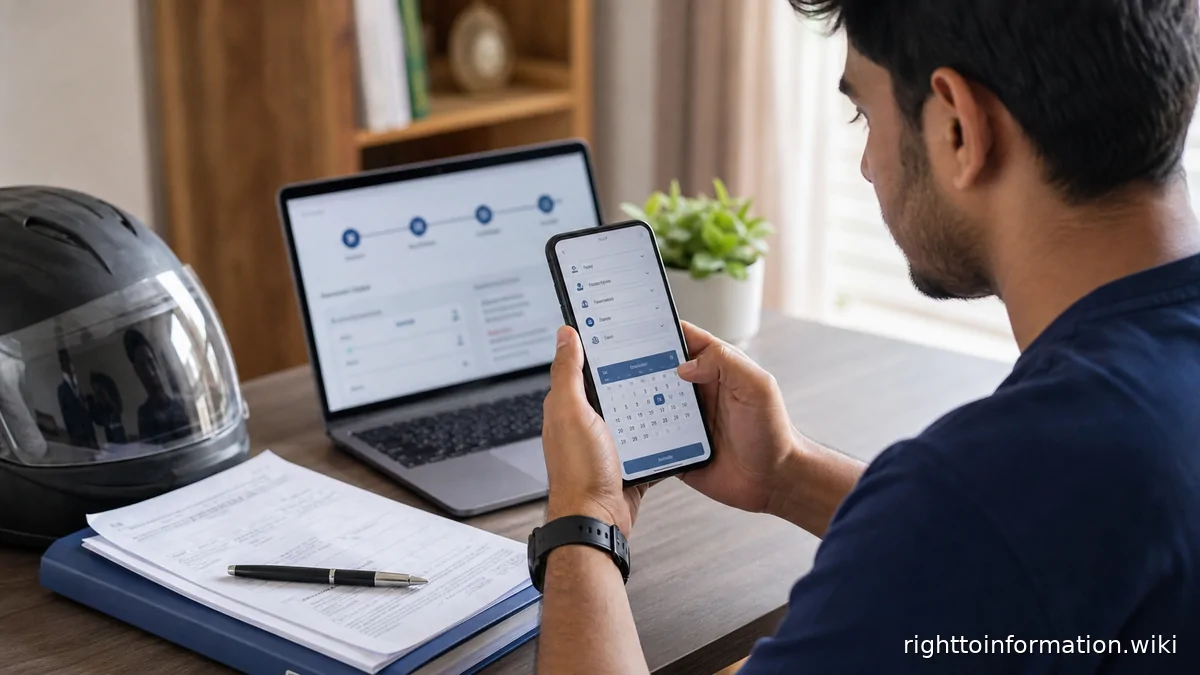
Quick Reply: Apply for a learner licence on Sarathi Parivahan — pick your state, fill the form, upload documents or use eKYC, pay the state's fee, and book the LL test or appointment slot the portal shows. The age rule is 16 with guardian consent for gearless two-wheelers under 50cc, 18 for everything else, 20 for transport vehicles. If the slot never comes or the licence stalls at the RTO, a ₹10 RTI to the RTO's PIO moves the file.
Quick answer. The learner licence is the first document in the driving-licence chain, issued after a simple test of road signs and rules. The application runs through the Ministry of Road Transport's Sarathi service on parivahan.gov.in; slots and fees are state-specific.
This is a citizen help page, not an official government page. Use it to understand the route, documents and safety checks before using the official portal or RTO process.
Step by step
- Open Sarathi Parivahan and select your state — the services and fees differ by state from this first click
- Choose the learner licence service and fill the applicant, address and vehicle class details — check the class before submitting; it decides the test
- Upload documents — age proof, address proof, photographs, medical certificate where the class requires it — or use the state's eKYC with Aadhaar where offered
- Pay the fee on the portal and book the LL test or appointment slot shown for your RTO
- Attend the test — online where the state runs it, at the RTO otherwise — with ID and the acknowledgement; the learner licence follows on passing
Know before you book
- Age: 16 with a parent or guardian's consent for gearless two-wheelers up to 50cc; 18 for every other class; 20 for transport vehicles — the Motor Vehicles Act's own ladder
- Validity: a learner licence runs six months, and the driving licence test needs it — plan the DL application inside the window
- Vehicle class matters — the LL is granted for the classes you list; adding a class later is a fresh application
- The test is on traffic signs, rules and the vehicle's controls — the portal's learning material covers the syllabus
Proof to keep
- application number
- fee receipt
- slot confirmation
- age and address proofs as uploaded
- the test pass acknowledgement
Red flags
- Agents promising slot priority or a guaranteed pass — slots come only from the portal's queue; a pass comes only from the test
- Wrong vehicle class submitted in haste — it costs a correction cycle at the RTO
- Missing the slot — rescheduling rules vary by state, and repeated no-shows push you back in the queue
- Paying anyone but the portal — the fee is paid to the state through Sarathi, receipt and all
If the file stalls at the RTO
Delays after the slot — the licence printed but not dispatched, the test passed but the record not updated — are RTO backlogs, and they answer to paper:
1. The status of my learner licence application no. ___ dated ___.
2. The name and designation of the officer holding the file.
3. The reasons for the delay beyond the notified timeline.
4. Copies of notings or movement on the file for the past 30 days.
5. The date by which the licence will be issued or dispatched.
Real example. Kashvi Pathak passed her LL test on a Tuesday and waited three weeks with the status frozen at processing. One RTI to the RTO — file status, holding officer, notings, likely date — and the licence was dispatched the same week the reply was drafted. RTO queues move when the queue becomes visible.
Frequently asked questions
Can I apply for a learner licence at 16?
Yes — for gearless two-wheelers up to 50cc, with a parent's or guardian's written consent. Everything else waits for 18, and transport vehicles for 20.
Is the LL test online or at the RTO?
Depends on the state — several run the learner test online on the portal; others hold it at the RTO. The slot you book tells you which.
How long is a learner licence valid?
Six months from issue. Apply for the driving licence within that window, after the statutory waiting period your state applies.
The slot never opens. What now?
Keep watching the portal — slots release in batches — and if the wait stretches past the normal cycle, file the RTI above; unavailability of slots is itself a recordable service failure.
Related guides
Last reviewed: 26 August 2026. Age thresholds re-checked against the Motor Vehicles Act framework; portal flow per Sarathi Parivahan as it stands in 2026.