Instant e-PAN download by Aadhaar (2026)
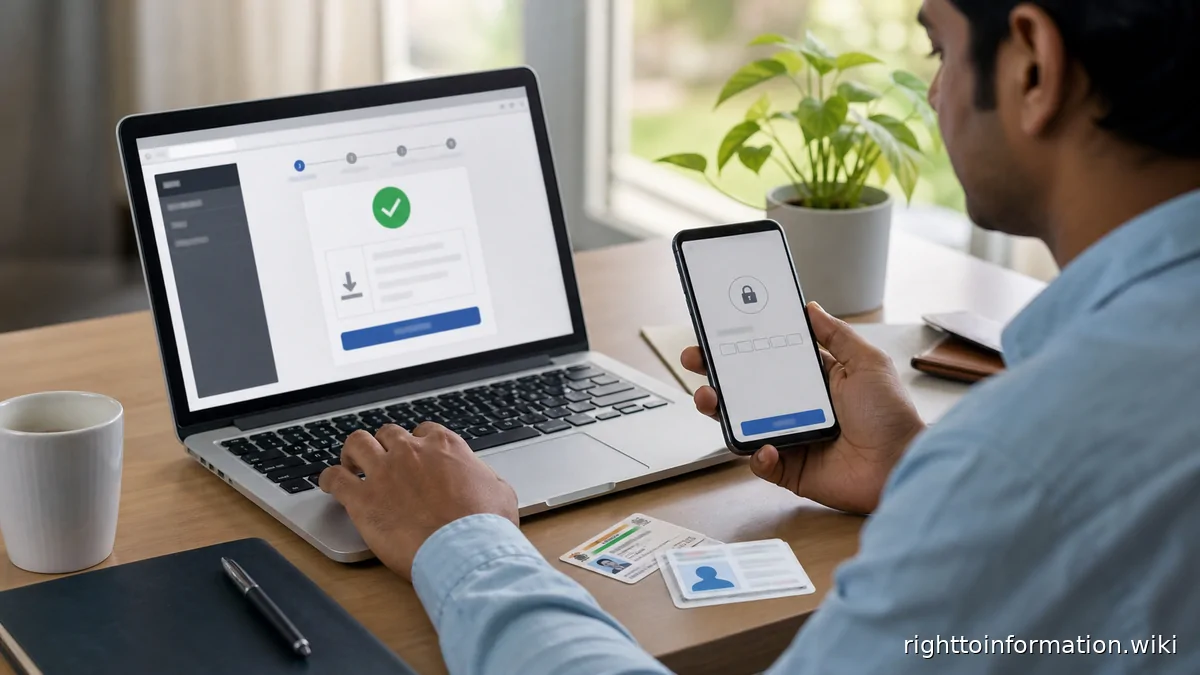
Quick Reply: Instant e-PAN is free and paperless on the Income Tax e-filing portal for a resident individual with a valid Aadhaar (KYC updated) and an Aadhaar-linked mobile. Aadhaar OTP in, e-PAN PDF out — usually the same session. If you already hold a PAN, you download instead of applying: free from the portal, and Protean gives existing holders three free downloads. Only the physical card costs money — ₹50 under PAN 2.0.
This is a citizen help page, not an official government page. Use it to understand the route, documents and safety checks before using the official portal.
Short version. The instant e-PAN facility sits on incometax.gov.in → Instant e-PAN. It allots a fresh PAN to an eligible Aadhaar holder without any form, fee or paperwork, and it lets existing PAN holders pull their e-PAN using an Aadhaar OTP. The department treats the e-PAN as a valid PAN — you can quote the number and use the PDF everywhere a PAN is asked for; the plastic card is optional. Everything below is the 2026 position, including the PAN 2.0 re-issue that is running through the same portal.
Real story
Kashvi joined her first job in Pune in June 2026. HR wanted her PAN for salary credit within a week. She had never applied for one. Aadhaar in hand, mobile linked, she opened the e-filing portal, chose Get New e-PAN, approved the Aadhaar details, entered the OTP sent to her linked mobile — and the screen returned her PAN with a PDF download before she had finished her tea. Total cost: ₹0. Total paperwork: none.
The contrast worth remembering: a colleague who “needed it urgently” paid a third-party site ₹499 to do the same four clicks, and got an emailed scan of exactly the same free PDF — after a five-day wait and handing an OTP to a stranger.
Who qualifies
- You have never been allotted a PAN (new allotment route), and
- you hold a valid Aadhaar with KYC details updated, and
- the mobile number linked to that Aadhaar is in your hands for the OTP, and
- you are a resident individual.
If you already have a PAN — even an old one you never used — you use the download route instead; applying again is an offence under the Income Tax Act's single-PAN rule and will fail the Aadhaar duplicate check anyway.
The route, step by step
- Go to incometax.gov.in → Instant e-PAN (new PAN or get existing e-PAN — two tabs, one facility).
- Enter your Aadhaar number, accept the terms, and confirm on the UIDAI consent screen.
- Enter the OTP sent to your Aadhaar-linked mobile.
- For a new PAN: verify that the name, date of birth and photo pulled from Aadhaar are correct — they become your PAN record.
- The portal shows your allotted PAN and the e-PAN PDF download. For an existing PAN, the same flow fetches your current e-PAN.
- Want the physical card? That is the PAN 2.0 / reprint option — ₹50 — from the same account.
When it fails, and what each failure means
- “Aadhaar details not updated / KYC pending” — your Aadhaar itself needs a correction first at an UIDAI enrolment centre; the e-PAN flow cannot outrun Aadhaar.
- “Mobile not linked” — link it via the UIDAI self-service portal or an enrolment centre, then return.
- “PAN already exists” — you are a holder, not an applicant. Switch to the download tab, or check what PAN rides on your Aadhaar.
- Generated but details wrong — a photo mispull or a name spelling carried over from Aadhaar. Fix the Aadhaar first; then request a correction/re-issue, which routes through your PAN service operator (Protean/UTIITSL) or the portal's PAN services.
- OTP not arriving — the Aadhaar-linked number is not the phone in your hand. There is no workaround inside the facility; linking is the fix.
Red flags and cautions
- The facility is free. Any site charging a “download fee” is reselling your own document.
- Never share an Aadhaar OTP — it is the key to e-KYC everywhere, not just PAN.
- Do not apply for a second PAN because the first is “stuck” — the duplicate will be caught, and holding two PANs carries a ₹10,000 penalty.
- Keep the e-PAN PDF as proof of allotment; it carries your photo, PAN and date of allotment.
If it is genuinely stuck
- Raise a ticket on the portal (e-Nivaran / Grievances) and note the ticket number and date.
- Call the e-filing helpdesk: 1800-180-1961 (or the helplines listed on the portal's contact page that year).
- Still nothing after 30 days? The Income Tax Department is a public authority: file an RTI on rtionline.gov.in addressed to the Income Tax Department (the instant e-PAN system is run by its systems directorate). Ask for: current status of your e-PAN request, the date of the Aadhaar validation event, the reason recorded for any failure, the name and designation of the officer handling it, and the expected date of allotment. ₹10, 30-day clock, first appeal if the reply is evasive — the standard machinery.
- Never pay an “agent” to escalate. An RTI costs ₹10 and outranks every paid fast-track.
FAQs
Is the e-PAN PDF legally usable, or do I need the card?
Yes, usable. The e-PAN carries the same number and particulars; quoting the PAN and producing the PDF satisfies PAN verification. The ₹50 card is for your wallet, not for validity.
I am a minor's parent — can I get an instant e-PAN for my child?
The instant facility is built around Aadhaar OTP consent of the holder; a minor's PAN goes through the regular application route with a guardian's signature.
I lost my old PAN card and do not know the number
The download route finds the PAN riding on your Aadhaar — that is its main use for existing holders.
Does it cost anything at all?
New instant e-PAN: no. Download of existing e-PAN from the portal: no. Physical card: ₹50. Protean allows three free e-PAN downloads for existing holders; beyond that its paid reprint applies.
PAN 2.0 — do I have to do anything?
PAN 2.0 re-issues cards with a QR code and consolidates services; your number does not change. Nothing forces an immediate action for a working e-PAN.
Related guides
Last reviewed: 27 August 2026. Facility terms checked against the Income Tax e-filing portal's Instant e-PAN FAQ (valid Aadhaar with updated KYC, linked mobile, free paperless allotment), the PAN 2.0 free-e-PAN/₹50-card pricing as carried in current guidance, and Protean's three-free-download policy for existing holders.
Reader signal
Was this article useful?
Tap once if it helped you. These counters show other citizens which pages are worth reading.