Get the RTI Wiki appFree on iPhone and Android.
E-Challan Status and Payment Online 2026
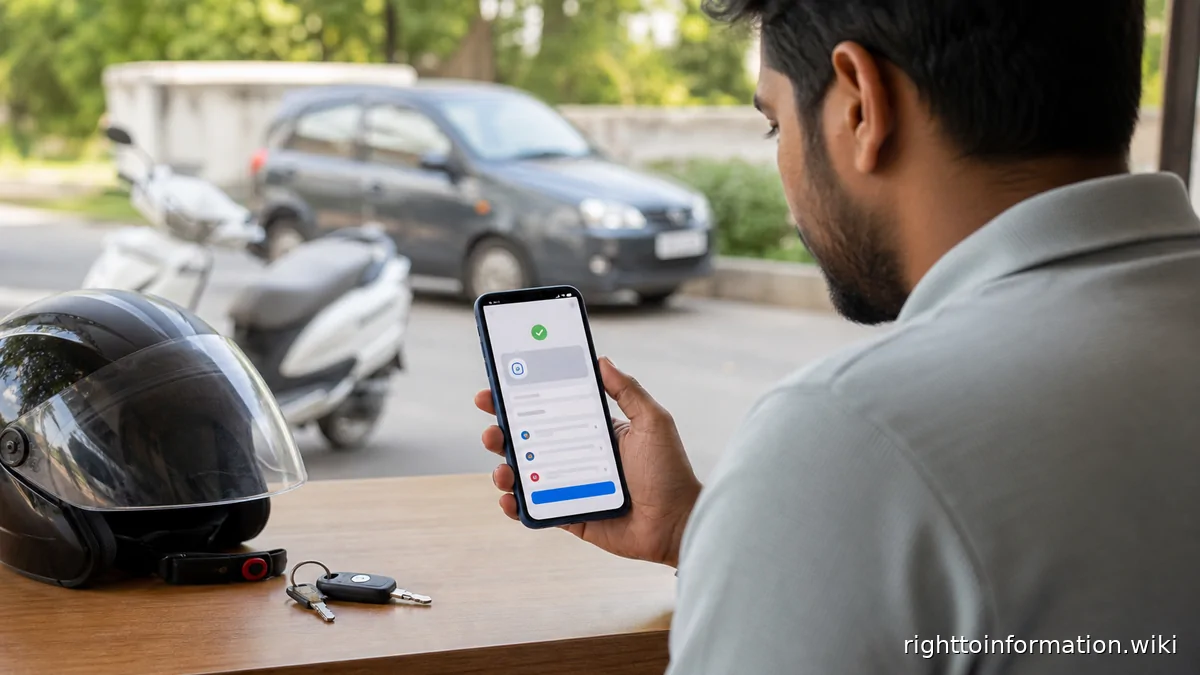
Quick Reply: Check e-challan status, verify vehicle challan details and pay traffic challan safely online in India in 2026.
Quick answer. Use the official e-Challan or Parivahan route, verify the vehicle number and challan details, then pay only through the official payment page.
Reviewed on: 5 June 2026.
This is a citizen help page, not an official government page. Use it to understand the route, documents and safety checks before using the official portal or department process.
Step-by-step
- Open the official traffic challan service used by your state or the national e-Challan / Parivahan page.
- Search by challan number, vehicle number, or driving licence number as allowed on the page.
- Match the date, location, offence, vehicle details and amount before paying.
- Pay through the official gateway and save the receipt or transaction reference.
- If the challan is wrong, use the contest or grievance route before making payment where your state allows it.
Details and proof to keep
- challan number
- vehicle number
- payment receipt
- screenshot of status
- grievance number if disputed
Red flags and cautions
- Do not pay from WhatsApp links or QR codes sent by unknown callers.
- Do not share OTPs with anyone claiming to close a challan.
- Check that the page is a government or authorised court/payment page before entering details.
- Status shows “sent to court”? You can contest it fully online: how to contest a challan in virtual court.
If the matter is stuck
- Raise a written complaint on the official portal, app, helpdesk, school, office, bank, distributor or RTO route that controls the record.
- Save the ticket number, date and reply.
- Ask for a written reason if the status is delayed, rejected, hidden or inconsistent.
- Where a public authority holds the record, RTI can ask for file status, action taken, reasons recorded, officer name/designation and copies of non-exempt records.