Vehicle Owner Details by Number 2026
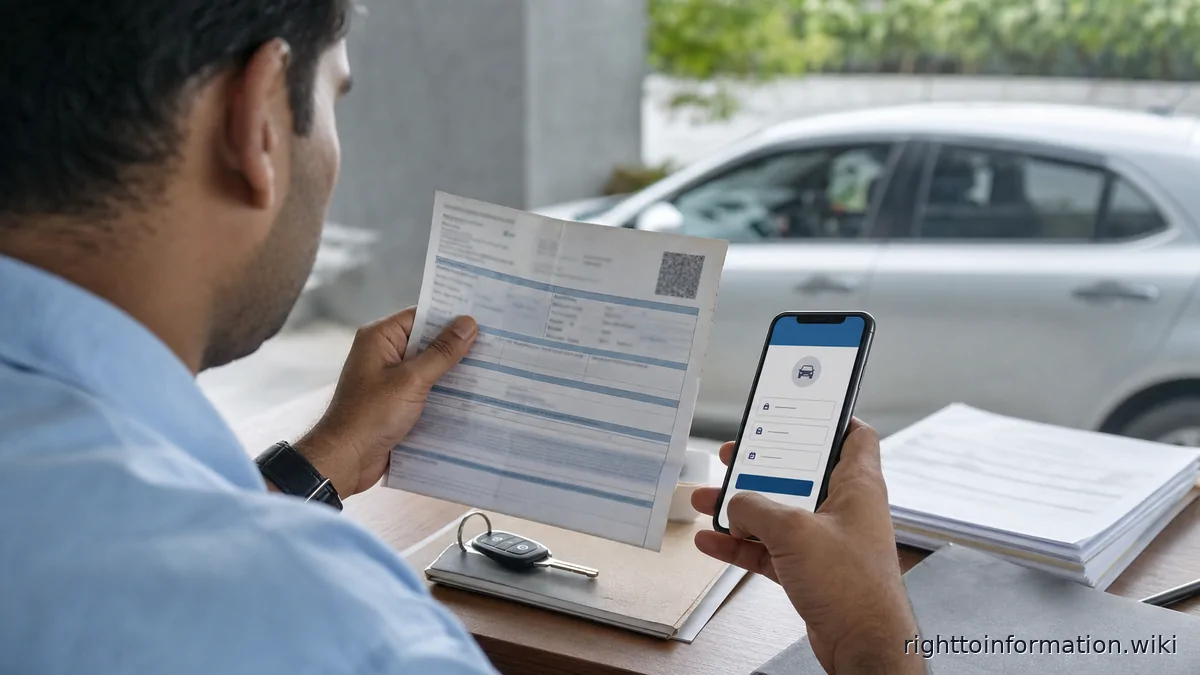
Quick Reply: How to check vehicle registration details by number safely in 2026, what is visible, and what private data is protected.
Quick answer. Vehicle number lookup can show limited registration details, but private personal data is restricted; use official Vahan, mParivahan or state RTO routes.
Reviewed on: 5 June 2026.
This is a citizen help page, not an official government page. Use it to understand the route, documents and safety checks before using the official portal or department process.
Step-by-step
- Use the official Vahan, mParivahan, state transport, insurer or police route available for your purpose.
- Enter the vehicle registration number exactly as shown on the plate or RC.
- Verify non-sensitive details such as make, class, fuel, registration validity, insurance or PUC status where shown.
- For transfer, accident, police or court use, request certified information through the lawful RTO or police process.
- If an RTO file is delayed, ask for application status and file movement rather than unrelated personal details.
Details and proof to keep
- registration number
- RC copy if yours
- application number
- RTO receipt
- screenshots
Red flags and cautions
- Avoid sites selling full owner mobile number or address data.
- Do not publish another person's vehicle details online.
- For disputes, use certified records instead of screenshots.
If the matter is stuck
- Raise a written complaint on the official portal, app, helpdesk, school, office, bank, distributor or RTO route that controls the record.
- Save the ticket number, date and reply.
- Ask for a written reason if the status is delayed, rejected, hidden or inconsistent.
- Where a public authority holds the record, RTI can ask for file status, action taken, reasons recorded, officer name/designation and copies of non-exempt records.
Related guides
Reader signal
Was this article useful?
Tap once if it helped you. These counters show other citizens which pages are worth reading.