Table of Contents
Driving Licence Application Status: Official Sarathi Steps
Last reviewed: 31 August 2026.
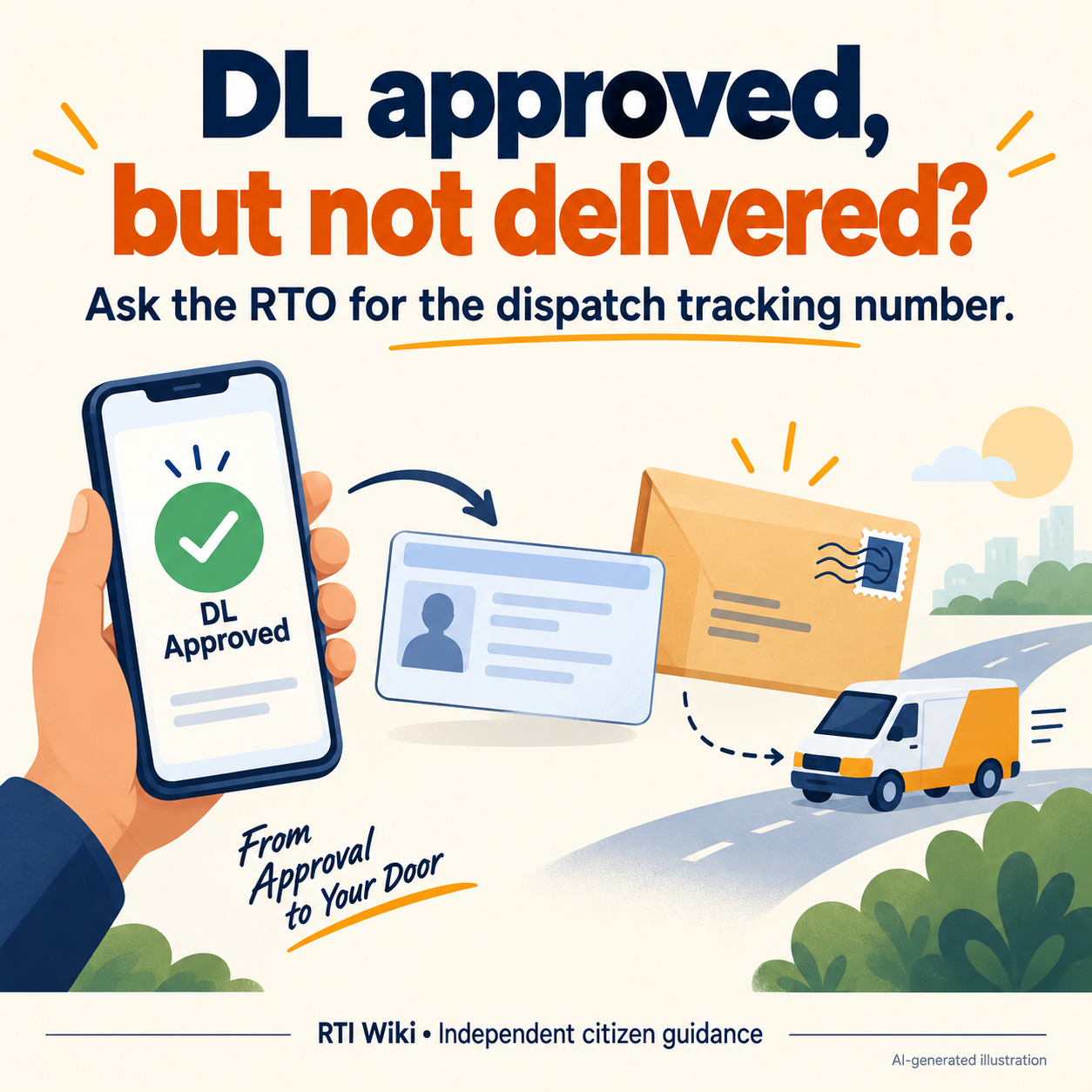
Quick answer: Open the official Sarathi portal, select the state, and choose Application Status. Enter the application number and date of birth exactly as filed. Parivahan's official FAQ gives this route and says that, when a licence is approved but not delivered, the applicant should contact the RTO or Transport Department for the dispatch tracking number.
Open the official Sarathi portal, select the state, and choose Application Status. Enter the application number and date of birth exactly as filed. Parivahan's official FAQ gives this route and says that, when a licence is approved but not delivered, the applicant should contact the RTO or Transport Department for the dispatch tracking number. Do not rely on a universal 15- or 30-day dispatch promise: processing and card delivery differ by state and transaction. If Sarathi shows a technical mismatch, save the screenshot and write to the Sarathi helpdesk. If it shows an RTO-level hold, contact the selected RTO with originals and the application receipt.
Why the distinction matters
The same application may pass through document scrutiny, fee, test, approval, printing and dispatch. 'Approved' confirms an administrative stage; it does not prove that the physical card was printed or posted. A DigiLocker or mParivahan record may be useful, but a missing digital record can also mean the RTO data has not migrated.
Action checklist
- Visit sarathi.parivahan.gov.in and select the state named in the application.
- Choose Application Status and enter the application number and date of birth. Use 'Find Application Number' under Others if the number is lost and that option is available.
- Save the full status screen with date. Record the pending stage rather than reporting only that the licence is 'stuck'.
- If payment or document upload is pending, open the relevant Sarathi service and complete only the task shown; do not pay again without checking transaction status.
- If approved but undelivered, ask the RTO for the printing date, dispatch number and delivery operator, as Parivahan's FAQ directs.
- For a portal fault, write to [email protected] with state, application number, screenshot and error time. Do not email Aadhaar or an OTP.
Evidence file to keep
- application number and date of birth
- fee receipt and appointment or test receipt
- dated status screenshot
- RTO name and transaction type
- dispatch number or written RTO response
Escalate without losing the record
Use the service owner's written grievance route first and preserve its acknowledgement. Escalate only to the regulator, appellate authority, Commission or police route that applies to this issue. A telephone assurance is not a closure record. If a public authority holds the missing status, note, inspection report or reason, request that existing record precisely; RTI does not compel a desired service outcome.
For drafting and appeal strategy, use Book: RTI Explained — A Practical Guide for Every Indian. Never put an Aadhaar number, bank credentials, OTP, password or irrelevant medical record in a public RTI application.
Related RTI Wiki guides
Official sources checked
Frequently asked questions
What details are needed to check DL status?
The official route uses the application number and date of birth after you select the state.
What if I lost the application number?
Parivahan's FAQ points to the Find Application Number option under Others on Sarathi, where available.
My DL is approved but not delivered. What next?
Contact the concerned RTO or Transport Department and ask for the dispatch tracking number.
Is a 30-day DL delivery deadline guaranteed nationwide?
No universal current guarantee was confirmed. State processing and delivery arrangements vary; use the recorded status and the state's service standard.
Safety note: Use only the official domains linked above. Verify any later rule, fee, form or contact change on the responsible authority's current website before acting.