Table of Contents
GST Number Search and Verify 2026
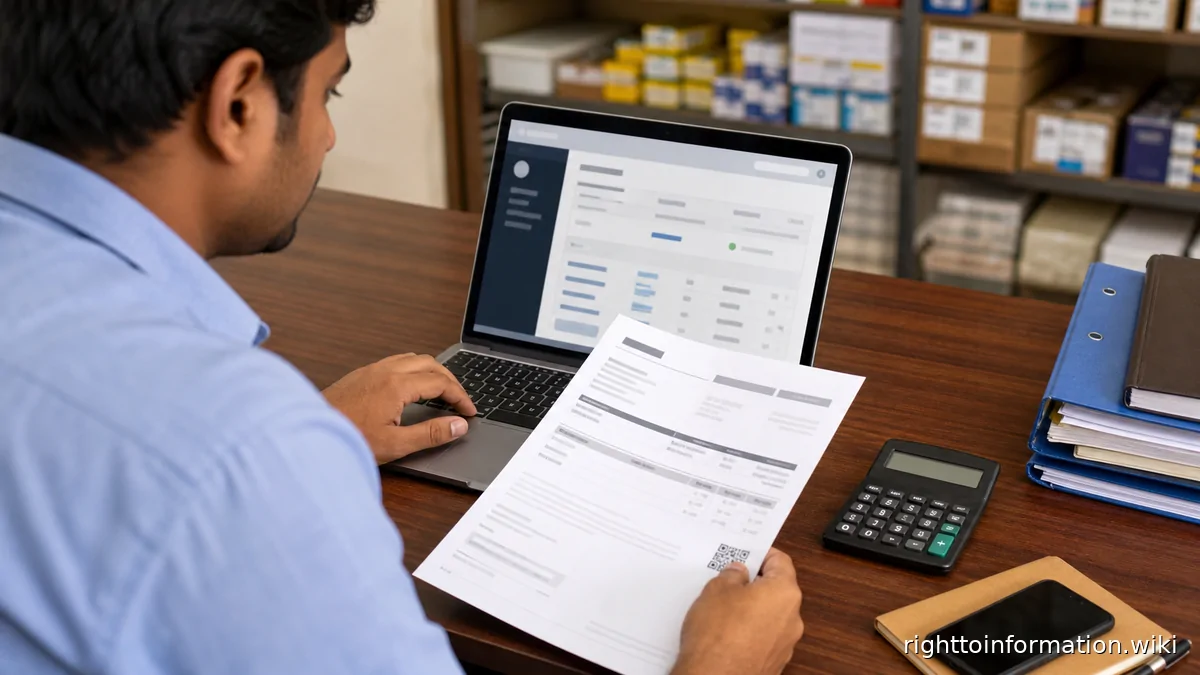
Quick Reply: Verify a GSTIN online in 2026, check taxpayer status and avoid fake GST invoices or cancelled registrations.
Quick answer. Use the GST portal's taxpayer search to verify GSTIN, legal name, trade name, state, registration date and active or cancelled status before relying on an invoice.
Reviewed on: 5 June 2026.
This is a citizen help page, not an official government page. Use it to understand the route, documents and safety checks before using the official portal or department process.
Step-by-step
- Copy the 15-character GSTIN from the invoice or supplier profile.
- Open the official GST portal and use Search Taxpayer / Search by GSTIN or UIN.
- Match legal name, trade name, state code and registration status.
- Check whether the invoice details are consistent with the supplier and supply location.
- If the GSTIN is cancelled or mismatched, ask for correction before payment or input-tax-credit use.
Details and proof to keep
- GSTIN
- invoice copy
- supplier email
- screenshot of taxpayer status
- payment record
Red flags and cautions
- A printed GSTIN on an invoice is not proof that registration is active.
- Do not claim input tax credit on doubtful invoices without professional review.
- Use only gst.gov.in for taxpayer status.
If the matter is stuck
- Raise a written complaint on the official portal, app, helpdesk, school, office, bank, distributor or RTO route that controls the record.
- Save the ticket number, date and reply.
- Ask for a written reason if the status is delayed, rejected, hidden or inconsistent.
- Where a public authority holds the record, RTI can ask for file status, action taken, reasons recorded, officer name/designation and copies of non-exempt records.